
Ever hit the elevator button and thought, “How does it know I’m on this exact floor?” The answer is simpler than it sounds. Elevators use buttons, sensors, and a control system to choose the right stop, every time.
You don’t get it wrong because the system doesn’t guess. It collects your request, tracks the car’s position, then slows down and levels the doors at the right moment.
Next, you’ll see what happens right after you press a button, then how the elevator confirms its exact location.
What Happens When You Press Those Buttons
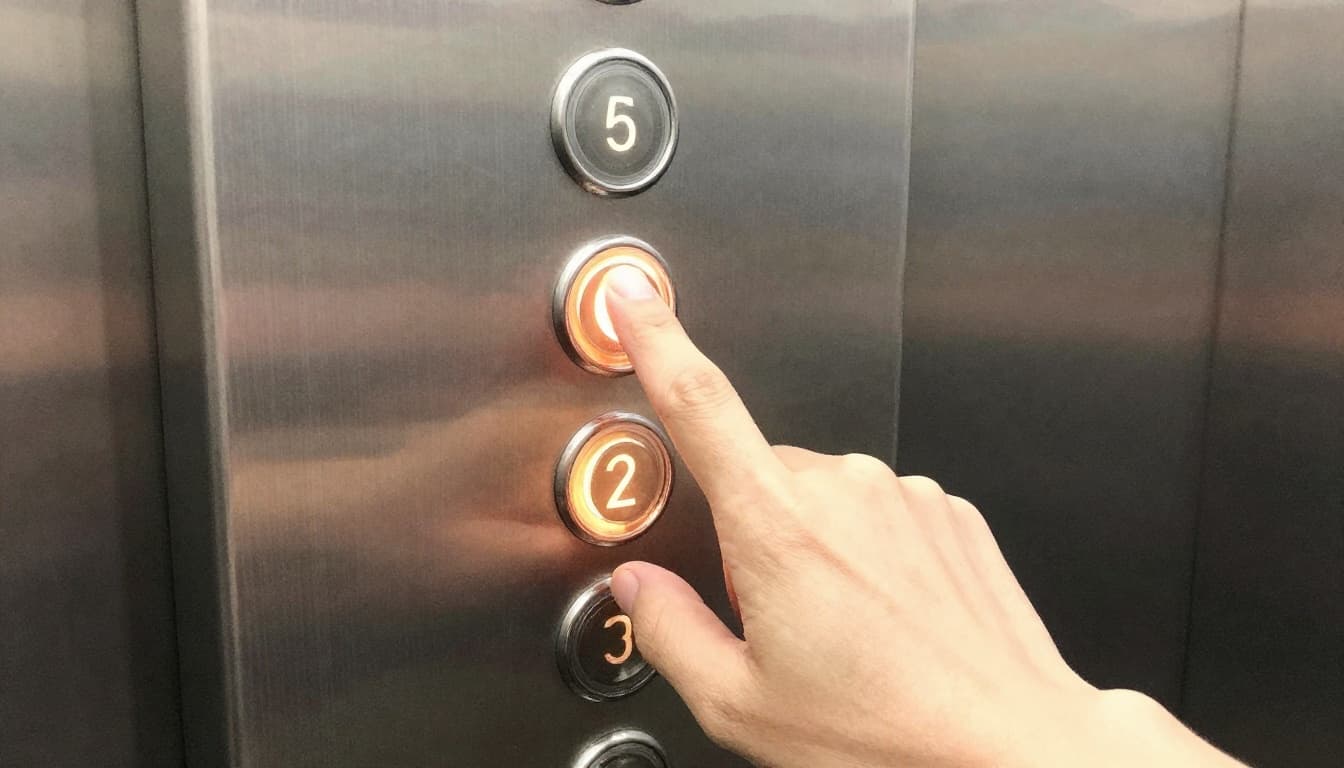
When you press a floor button, you’re sending a request. Inside the car, those are typically destination or “ride to” inputs. In other words, the elevator learns which floors you want, not just that you want “a stop.”
At the same time, the elevator also listens to hall buttons outside the cab. If someone calls from the floor below (or above), those requests enter the same planning system. After all requests come in, the controller groups them and chooses an efficient stop order.
A good way to picture it is like GPS routing. GPS doesn’t pick the fastest road by random. It considers where you are, where you want to go, and which turns make sense next. Elevators do something similar, using speed and position limits to decide the safest sequence.
In real buildings, this matters even more during busy times. Imagine a busy office morning. Three people press 12, 12 again, and 15. The elevator plans to handle those stops together, rather than stopping for every small change in order.
If you’re curious about how the “where am I” part works in simpler setups, this guide on home elevator floor awareness explains the core selector idea clearly: How Does My Home Elevator Know Which Floor It Is on?.
Inside vs. Outside: Different Button Jobs
Elevator buttons look similar, but they do different jobs.
- Inside buttons tell the elevator what floor passengers want while they’re already in the car.
- Hall buttons tell the elevator which direction a person wants to travel (up or down) from a specific floor.
You’ll usually notice lights or indicators changing on the panel. That’s the elevator confirming the request is recorded. In other words, the button press doesn’t just “feel” registered. It becomes an actual input the controller can schedule.
Here’s a real-life scenario. Say you’re with friends and you’re already riding up. One person presses 8 inside the car. Meanwhile, someone on 5 hits the “up” call button. The elevator combines both into one plan, instead of treating them as separate rides.
How Buttons Talk to the Elevator’s Brain
No guessing happens here. Your button press becomes an electronic command.
Typically, the elevator system has a controller that watches for input from both the car panel and hall calls. When you press a button, it sends the floor number as a signal. Then the controller stores that request until it can safely serve it.
If that sounds a lot like texting, it is. Think of it like sending a friend your location. You’re not asking them to “figure it out.” You’re stating your destination, then waiting for them to respond with the next action.
Here’s the key point: the elevator doesn’t decide “stop now” just because the button light is on. It decides based on both your requests and where the car actually is.
Sensors: Tracking Position with Pinpoint Accuracy
Buttons tell the elevator where you want to go. Sensors tell it where it is right now.
To stop exactly at a floor, elevators need tight position feedback. They track the car while it travels, then confirm it again near the target stop. That’s how the elevator can slow down smoothly, level the cab, and open the doors without throwing off the alignment.
Different sensors handle different parts of the job:
- Floor selectors help the system identify the current floor.
- Speed feedback helps the controller slow at the right rate.
- Load or leveling feedback helps keep the cab aligned under changing weight.
When all that data lines up, the stop feels effortless.
Floor Selectors and Magnetic Magic
Many elevators use a selector system that reads a repeatable pattern in the hoistway. As the car moves, the selector detects which floor it’s passing or approaching.
Some setups use magnetic tape or markings along the shaft, with a reader on the car. As the elevator travels, the reader checks the pattern to find the exact position.
This approach is reliable in tall buildings because it doesn’t depend on counting floors in your head or using fragile vision methods. Instead, it checks real physical references inside the shaft.
To see how position sensors and limit switches fit into safe, accurate landings, this overview is helpful: Understanding elevator position sensors.
Load and Speed Sensors for Perfect Stops
Even if the elevator knows where it is, it must stop in the right way.
Speed sensors (often via encoders) report motion so the controller can reduce speed gradually. That prevents a harsh stop and helps the doors line up cleanly.
Load sensors help with leveling. When passengers step in, the car’s weight changes. That can affect how the system responds under tension and dynamics. So the elevator uses feedback to adjust for that, then holds the cab steady at the floor.
Safety systems also keep doors locked unless the cab is close enough to level. If the elevator isn’t lined up, it won’t risk an unsafe gap.
The elevator stops for you, but it stops safely because it verifies position multiple times.
The Controller: Deciding the Smartest Path
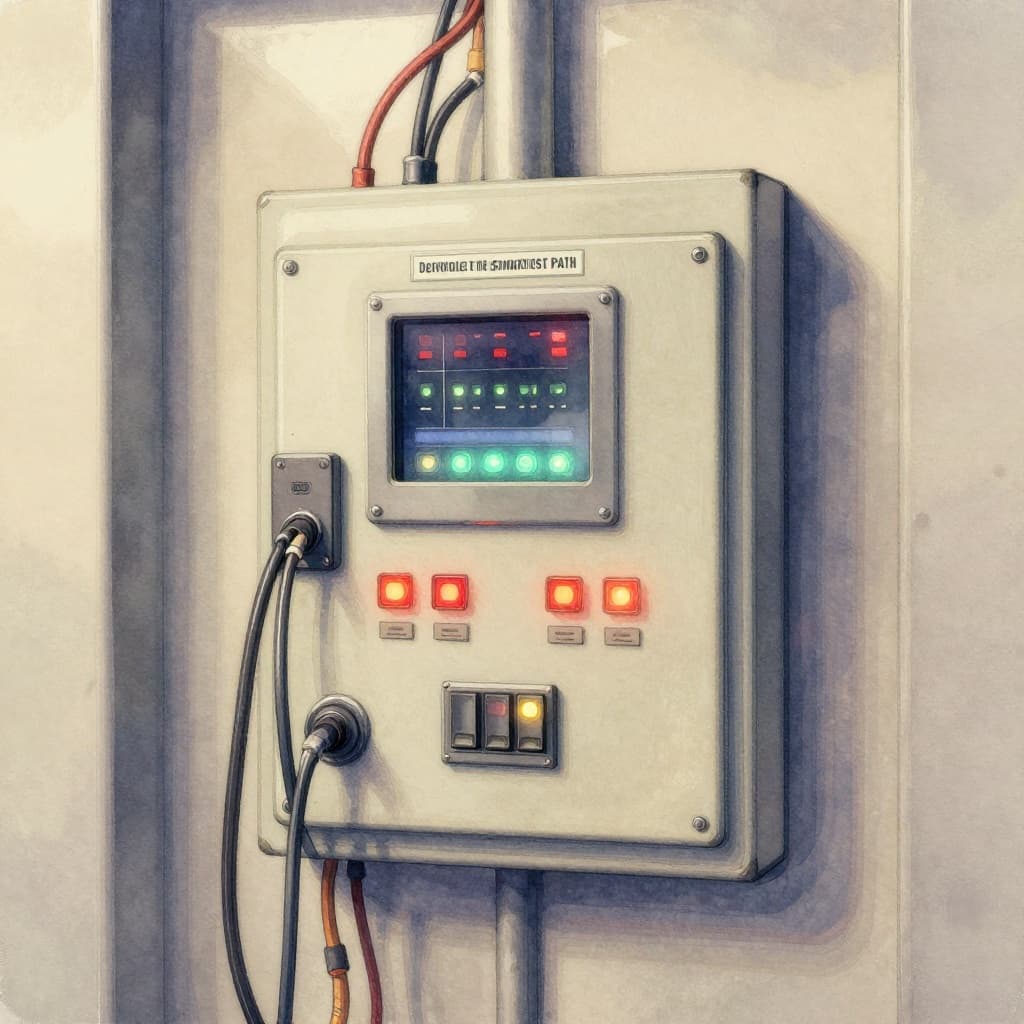
The controller is the “brain” that connects everything. It listens to button requests. It reads sensor data. Then it chooses what to do next.
Most of the time, the controller tries to reduce wasted motion. That means it orders stops in a way that avoids extra back-and-forth. It also updates plans when new calls come in while the cab is moving.
If something looks off, the controller can correct the plan. It can also respond to safety-related states, like door timing or faults. In other words, it doesn’t just schedule. It supervises.
You can think of the controller like a traffic cop inside a tunnel. Cars (requests) enter the system from different directions (hall calls and car buttons). The cop directs them into a sequence that keeps everyone moving without conflicts.
Grouping Stops to Cut Wait Times
A common strategy is to handle stops in groups.
For example, if the elevator is moving upward, it often serves all upward requests first. Then, after it reaches the highest needed stop, it switches direction for down requests.
This reduces zigzag travel, and it usually makes rides smoother. It also saves time in busy lobbies, because the controller can predict where passengers want to go next.
Advanced Systems Taking Elevators to New Heights
Traditional buttons let passengers choose their destination inside the cab. Newer systems sometimes reduce confusion and stops by changing how people request service.
One big upgrade is destination dispatch. Instead of pressing an “up” or “down” call, you pick your floor at a lobby keypad. The system then assigns you to a specific elevator car.
For 2026, more buildings are also rolling out touchless and voice options, along with phone-app calls. AI can help route elevators based on patterns, so the system can position cars where they’ll be needed.
Also, energy efficiency keeps improving. Many elevators use regenerative approaches, capturing energy during slowing and feeding it back into the building systems. That means less wasted power during the trips you already take.
Destination Dispatch in Action
Here’s how destination dispatch feels in a hotel or office lobby.
You enter and scan or select your floor. Then the system assigns you to a car group. Instead of everyone boarding randomly and pressing buttons after they enter, passengers with similar destinations travel together.
That grouping helps reduce the number of intermediate stops. It also shortens waits because the elevator doesn’t have to stop for every new request that appears mid-ride.
If you want a clear explanation of how destination dispatch works, this guide from a major manufacturer is easy to follow: What Is Destination Dispatch?.

AI and Touchless Innovations by 2026
By March 2026, touchless features are showing up more often, especially in places where hygiene matters. Instead of pressing buttons, you might use:
- a phone app
- voice commands
- ID card access at the lobby
Some systems can even match a user through smartphone signals, and in some cases use other identity methods where permitted. The result is the same goal: the elevator knows your destination sooner.
Meanwhile, AI route planning can adjust service based on how demand changes through the day. It helps reduce idle time and improves how quickly cars line up with requests.
In short, the core question stays the same, even as tech changes. Elevators still stop at the right floor because they combine clear requests with verified position.
Conclusion
So how do elevators know which floor to stop at? First, buttons collect your request. Next, sensors track the cab’s exact position. Then the controller decides the safest, most efficient stop plan.
Even the “simple” moment when the doors open depends on smart feedback and careful timing. The next time you ride, watch the calm precision when you land. It’s everyday engineering, done right.
Want an even deeper look? Try noticing how your building handles calls, especially during rush hour.